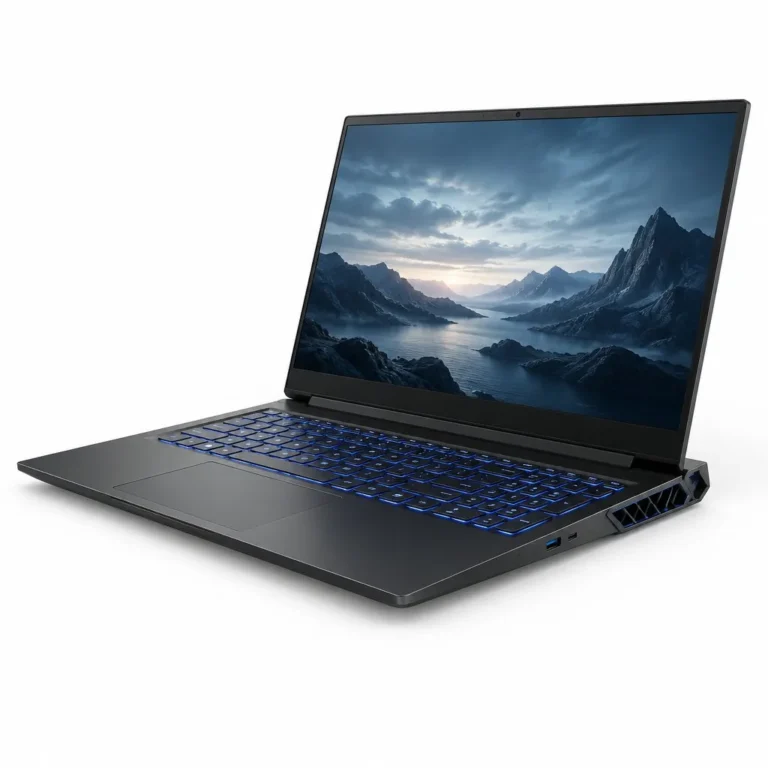
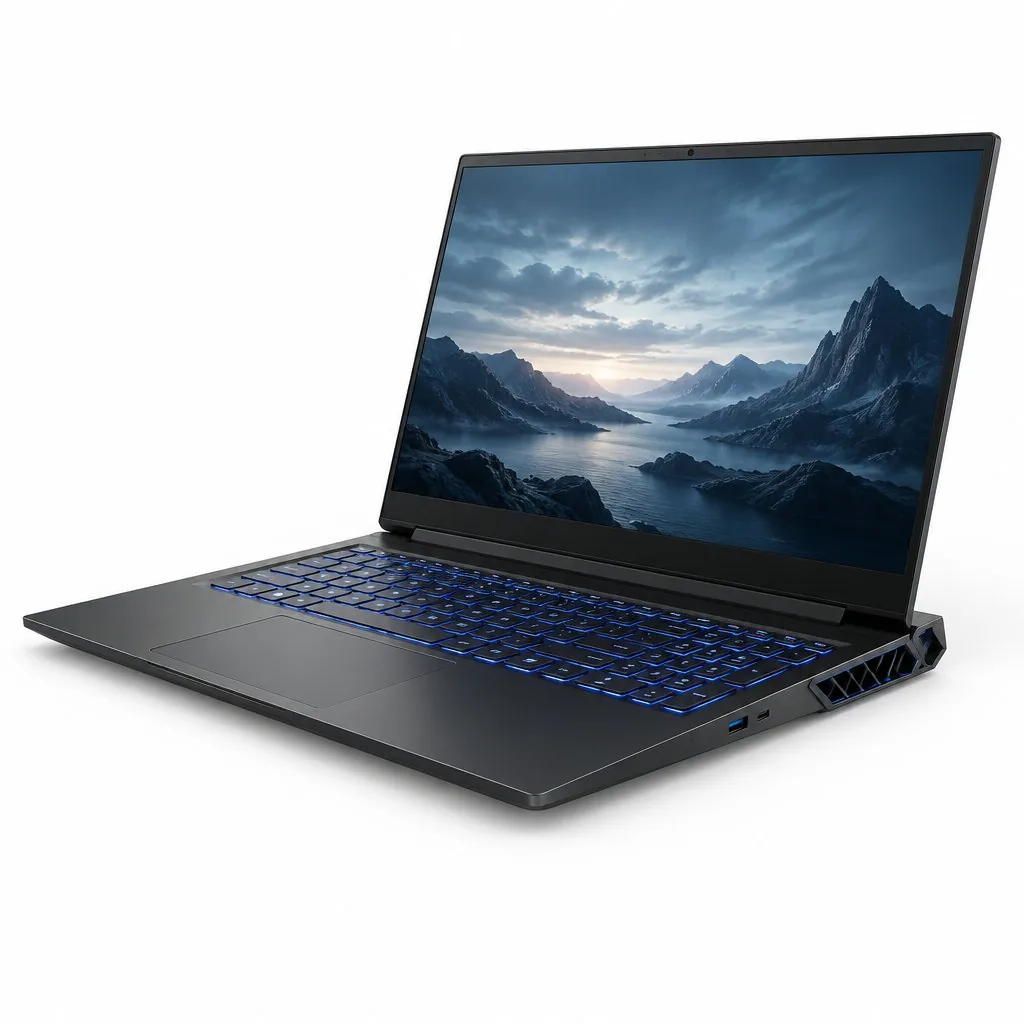
How to Choose a Laptop Under 50000 in India (With Our 2026 Picks)
Disclosure: this guide links to Amazon.in. If you buy through these links, MeDepZa may earn a commission at no extra cost to you. How we make money
Quick answer: For most students and home users, the Lenovo IdeaPad Slim 3 (Ryzen 5) is the best all-round laptop under ₹50,000. The Dell Inspiron 15 3535 is a reliable alternative with a 120Hz screen, and the HP 15 wins on after-sales service in smaller cities. Insist on at least 16GB RAM if you can get it (or 8GB that can be upgraded), a 512GB SSD, and a Full HD screen.

Buying a good laptop under ₹50,000 got harder in 2026. Memory (RAM) and SSD prices rose sharply this year, and some models that used to fit this budget now cost more. You can still get a solid machine for college, coding, office work and online classes; you just need to be pickier about the specs.
Our picks at a glance
| Laptop | Best for | Typical price band |
|---|---|---|
| Lenovo IdeaPad Slim 3 (Ryzen 5) | Best all-rounder for students | Under ₹50,000 |
| Dell Inspiron 15 3535 (Ryzen 5 7520U) | Reliability, 120Hz screen | Around ₹42,000 |
| HP 15 / HP 15s | Service network in smaller cities | ₹42,000–₹47,000 |
| Acer Aspire Lite (Ryzen 7) | Most processor power for the money | Around ₹47,000 |
| Acer Aspire 3 (A324 series) | Lightweight, under 1.5kg | Under ₹45,000 |
| Lenovo ThinkBook 16 | Bigger screen, business build | Around ₹47,000 |
Laptop prices change frequently, and the same model name can come in very different configurations. Always check the exact processor, RAM and storage in the listing.
How we chose these laptops
We compared processor, RAM (and whether it can be upgraded), SSD size, screen quality, weight, battery and brand service in India. We have not tested these laptops ourselves; details come from brand specifications and published reviews.
The best laptops under ₹50,000
1. Lenovo IdeaPad Slim 3 (Ryzen 5): best overall
A slim, well-built laptop with a capable Ryzen 5 processor that handles coding, Office, browsing with many tabs and video calls comfortably. Lenovo also has a good service network.
- Good for: college students, coding beginners, home office
- Keep in mind: check whether the variant has 8GB or 16GB RAM
2. Dell Inspiron 15 3535: most reliable
This configuration pairs a Ryzen 5 7520U with 8GB LPDDR5 RAM, a 512GB SSD and a 15.6-inch Full HD 120Hz display, which is smoother than most screens at this price.
- Good for: students and office users who want a dependable brand
- Keep in mind: LPDDR5 RAM is soldered, so you can’t upgrade it later
3. HP 15 / HP 15s: best service support
HP’s service centres are in almost every Indian city and town, so warranty repairs are easier. Configurations with a 15.6-inch Full HD screen and 512GB SSD sit comfortably under ₹50,000.
- Good for: students in smaller cities, parents buying for children
- Keep in mind: compare configurations carefully, since HP sells many similar models
4. Acer Aspire Lite (Ryzen 7): most power for the money
A Ryzen 7 chip at this price gives extra headroom for programming tools, light photo editing and heavy multitasking.
- Good for: engineering and computer science students
- Keep in mind: check build quality and battery reviews
5. Acer Aspire 3 (A324 series): lightest pick
Under 1.5kg and about 19mm thick, so it’s easy to carry around campus all day.
- Good for: students who carry their laptop everywhere
- Keep in mind: a smaller screen and less power than the 15.6-inch picks
6. Lenovo ThinkBook 16: best big screen
A 16-inch screen and ThinkBook’s business-grade build make it comfortable for long work sessions with spreadsheets and documents.
- Good for: office work, working from home
- Keep in mind: larger and heavier to carry
The specs to insist on in 2026
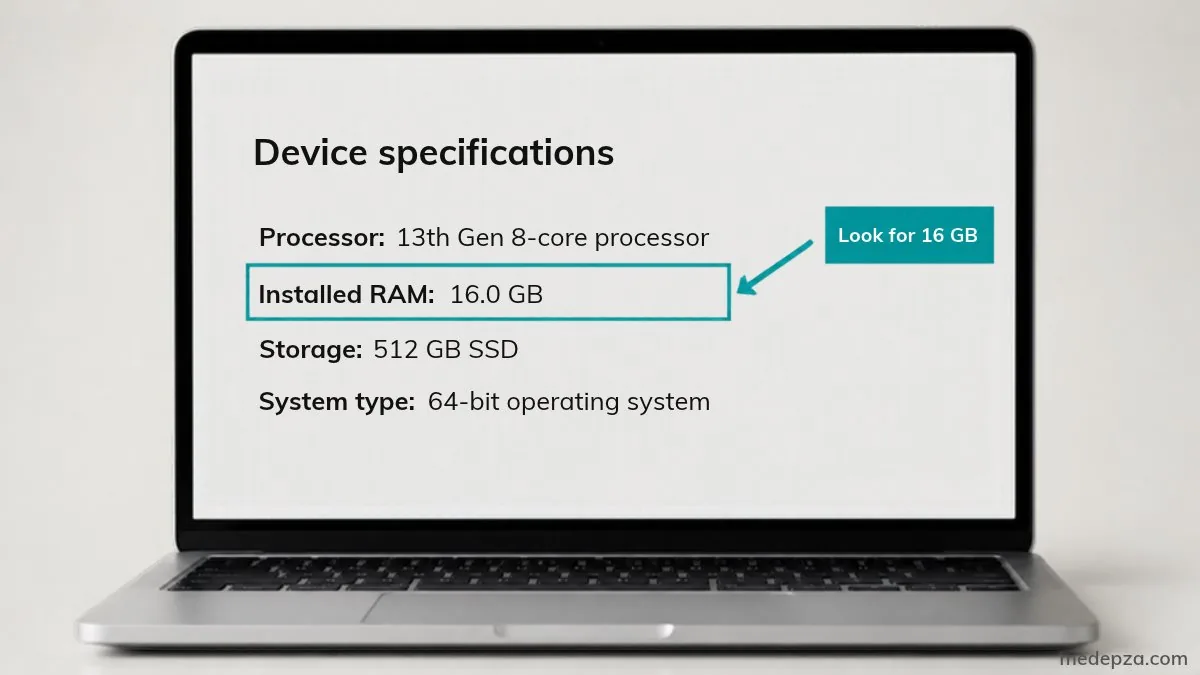
| Spec | Minimum | Better |
|---|---|---|
| Processor | Ryzen 5 / Core i5 (recent generation) | Ryzen 7 / Core i7 |
| RAM | 8GB (upgradeable) | 16GB |
| Storage | 512GB SSD | 512GB NVMe SSD with a spare slot |
| Screen | 15.6″ Full HD (1920×1080) IPS | Full HD, 120Hz or 300+ nits brightness |
| Weight | Under 1.8kg | Under 1.5kg |
Avoid laptops with a hard disk drive (HDD) instead of an SSD, and avoid HD (1366×768) screens. Both make a laptop feel slow and dated from day one.
Why laptop prices went up in 2026
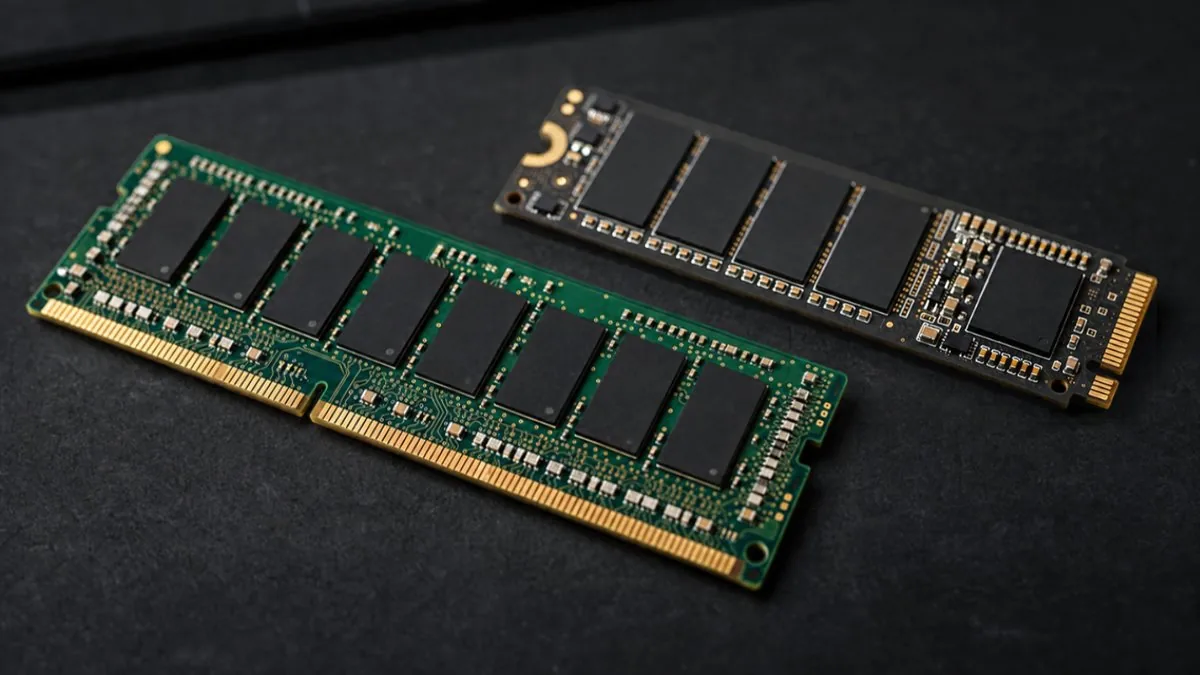
Memory chips became much more expensive in 2026, as demand from AI data centres pulled supply away from laptops and phones. That pushed up prices most in the budget segment, where memory is a bigger share of the cost. Read more in our explainer on why laptops and phones cost more this year.
Related guides
- Asus ROG Zephyrus G14 (2020) Review in 2026: Is It Still Worth Buying?
- Best Pen Drive Under 1000 in India (2026): 64GB Picks That Are Actually Fast
- What On-Device AI Actually Changes on Your Phone and Laptop
- A Software Update Is More Than a Restart: Why and How to Update Safely
Common questions
Is 8GB RAM enough for a student laptop in 2026?
For documents, browsing and online classes, yes. For coding, many browser tabs or light editing, 16GB is noticeably smoother. If you buy 8GB, prefer a laptop where RAM can be upgraded later.
Can I play games on a laptop under ₹50,000?
Light and older games, yes, using integrated graphics. For newer games you need a laptop with a dedicated graphics card, which usually costs more.
Which brand has the best service in India?
HP, Dell and Lenovo have the widest service networks. Check for a service centre near you before buying.
Is it worth paying for MS Office pre-installed?
Some laptops include MS Office Home & Student, which saves money if you need it. Students can often get Office free through their college.
Our verdict
Buy the Lenovo IdeaPad Slim 3 (Ryzen 5) for the best all-round value, the Dell Inspiron 15 3535 for reliability and a smooth screen, or an HP 15 if service in your city matters most. Insist on an SSD, a Full HD screen, and upgradeable or 16GB RAM.