
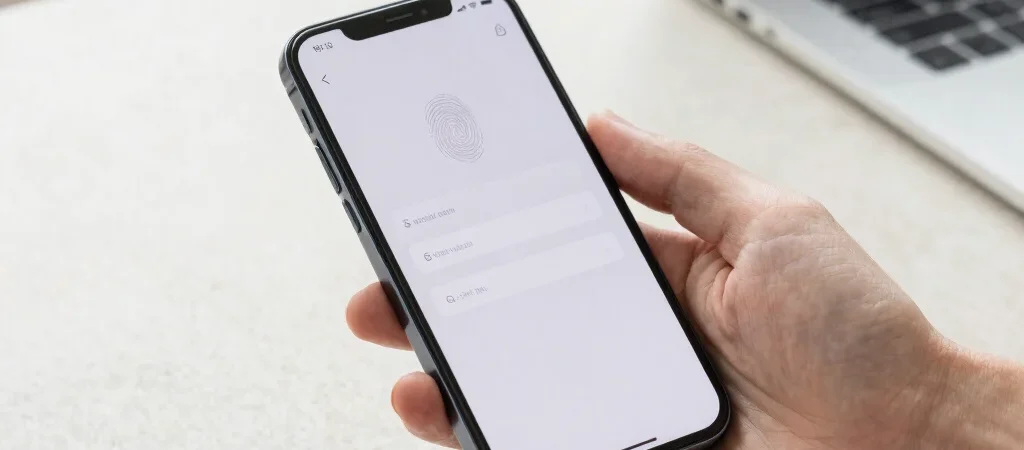
You tap a sign-in button, approve a face scan, and you’re in—no password to remember or mistype. That’s the appeal of a passkey, a sign-in method built around a cryptographic key stored on your device or synced through an account. It can make logging in feel simpler, but the recovery plan matters just as much as the quick entry.
What happens at sign-in
A passkey works as a pair of keys: one is kept by the service, and the other stays with your device or its trusted sync system. When you sign in, your device uses its key to prove it belongs to your account without sending the key itself to the service. A fingerprint or face scan usually unlocks the key locally; it is not typically sent to the website as your password.
That changes the risk compared with a password. A fake sign-in page can collect a password you type into it, but passkeys are designed to work only with the legitimate service they were created for. The details of how a passkey is stored and synchronized depend on the device, platform, and service.
Plan for a lost device
The awkward question is what happens when your phone breaks, is lost, or is replaced. If your passkeys are synced through an account, access to that account and its recovery options may help you restore them on a new device. If a passkey is tied to one device, you may need another sign-in method or a recovery process offered by the service.
Before removing an old phone or computer, check which accounts already have passkeys and whether another trusted device can sign in. Keep recovery details current, and avoid assuming every service handles lost-device recovery the same way. Passkeys can reduce password headaches, but they do not remove the need for a way back in.